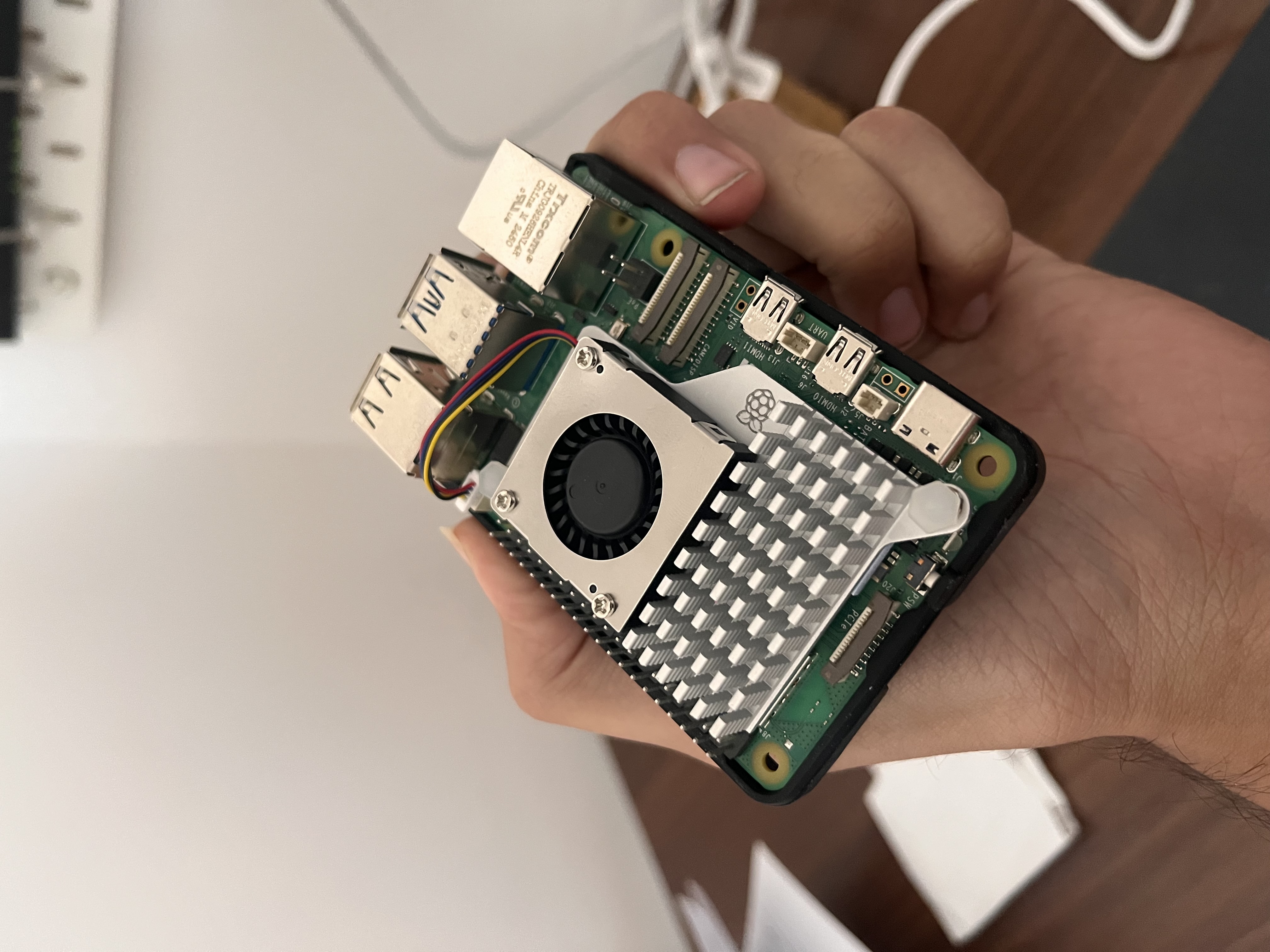
I own a Raspberry Pi (5). It was slowing down a bit as it's getting warmer out there. So to continue my uninterrupted tinkering, I got a fan to keep my Pi cool. FWIW, I'm a fan of how cool it looks!
The idea
First, I thought this fan will start running as soon as I plug it. Later, realised it's a smart fan that runs when temperature crosses a threshold and speeds up as needed. For a designer, that right there is an opportunity to visualise! So did I... I now have a Mac app called 'Pi Fan Monitor'.
The fun parts
Spinning the fan
A simple CSS code dynamically sets the spin-animation speed to metaphorically match fan's actual RPMs.
The sound
If you listen closely, you will hear the sound when fan spins. Although, the actual fan makes no noise at all.
Creating that sound was a learning! Like dynamic spin, I wanted a dynamic sound that first sounds like a fan and changes as the RPMs go up.
When Claude built the first-cut, it sounded like a truck! I presumed it is using an audio clip but realised it used Web Audio API! I followed with two failed attempts of writing the sound — one was either a train running through a tunnel OR an F1 car flying 200m by you.
I asked Claude to build a playground with knobs and allow me to copy the properties once I find the sound.
How cool is that!
Learning the new design stack
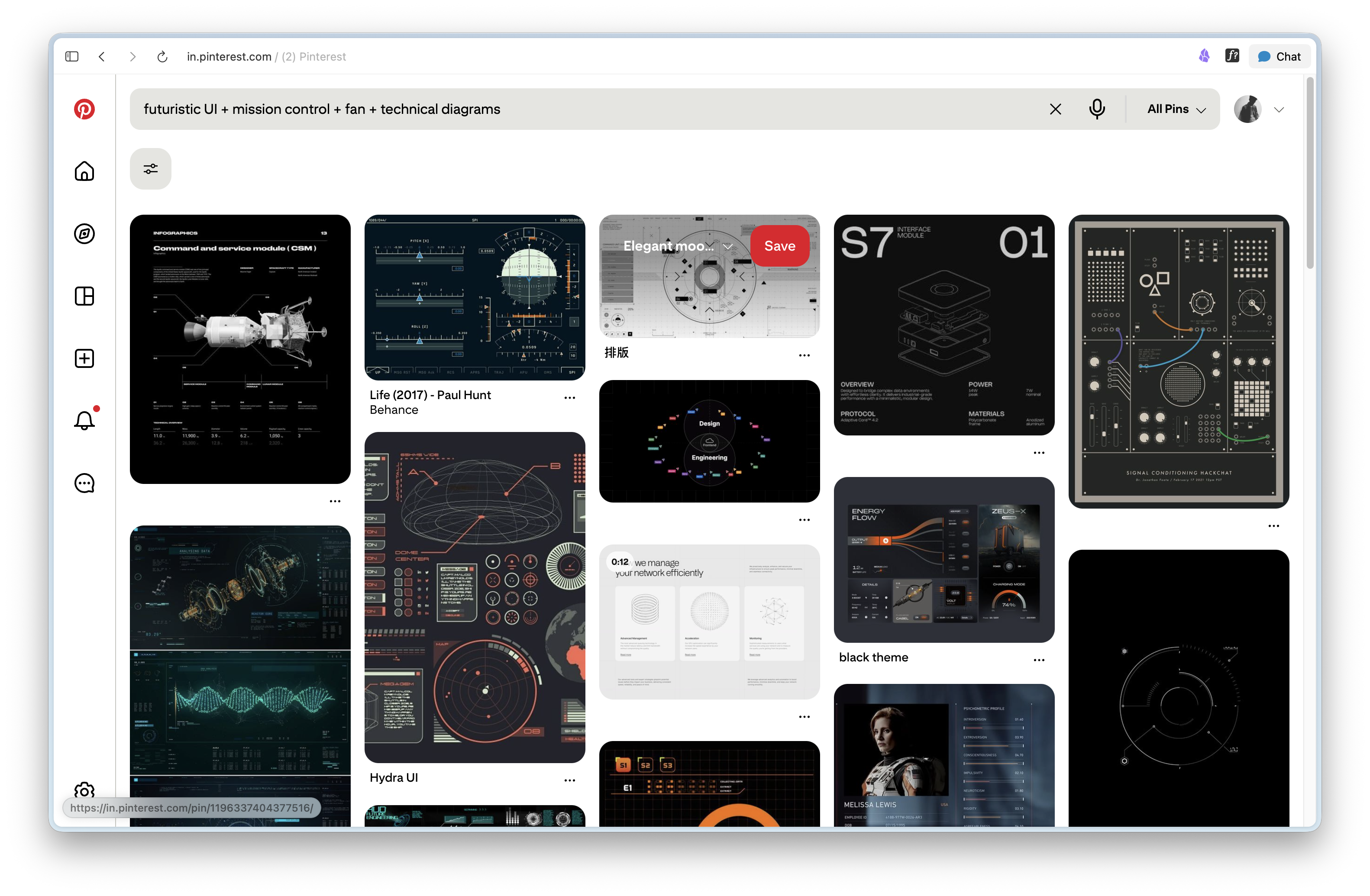
- Pinterest: Despite new stack, I started from the good old Pinterest for references.
- Nano Banana: Shared references with Nano Banana which turned out to be the most annoying to work with. I still have a LOT to learn to deal with image models.
- Paper MCP + Claude Code: Shared output from #2 and these two mental tools just built the whole thing in 10 mins. They spent maximum time to get the fan blades right.
Paper's harness is already magical and can create great visual designs. So in hindsight, I could have skipped step #2.
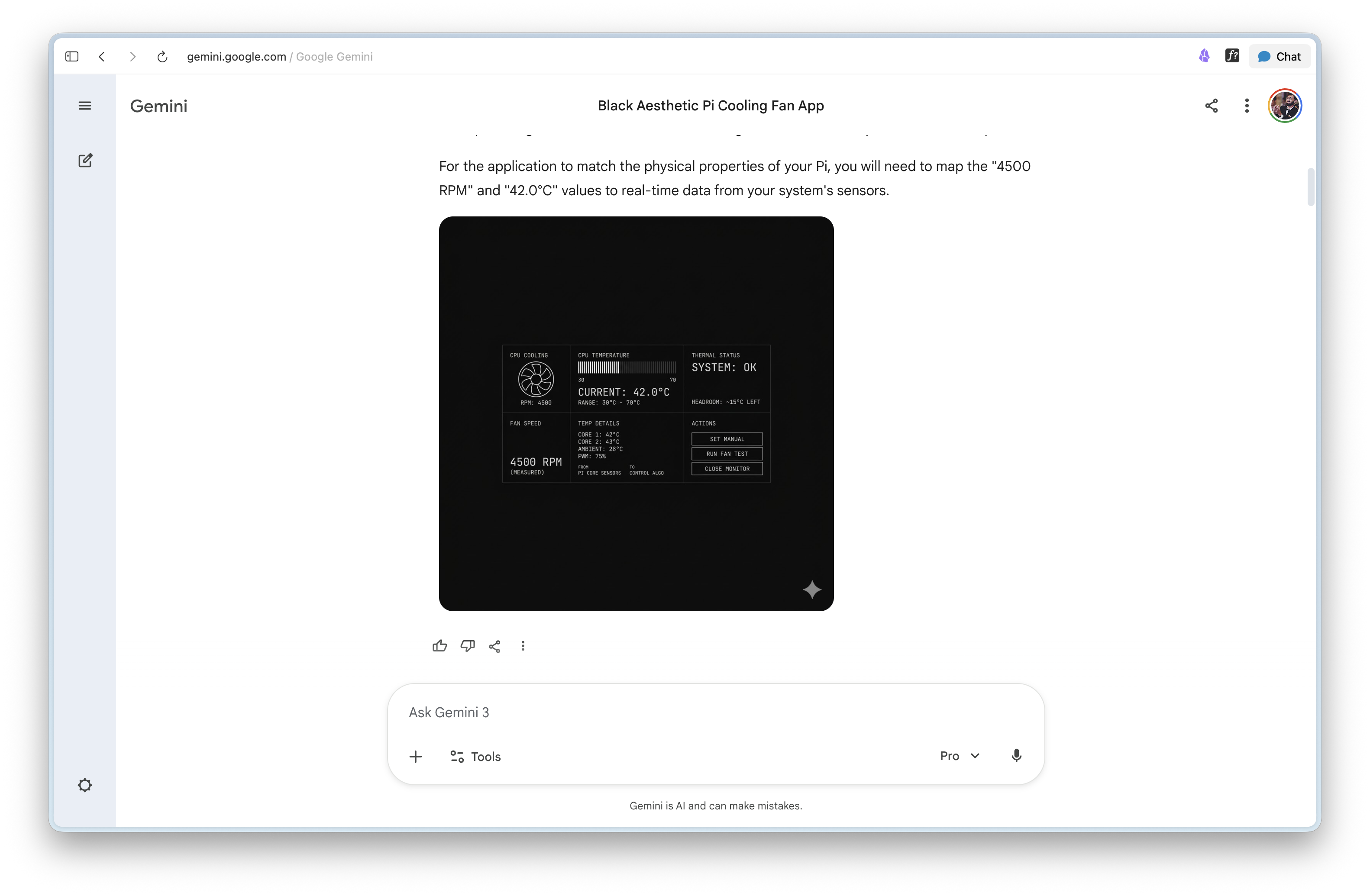
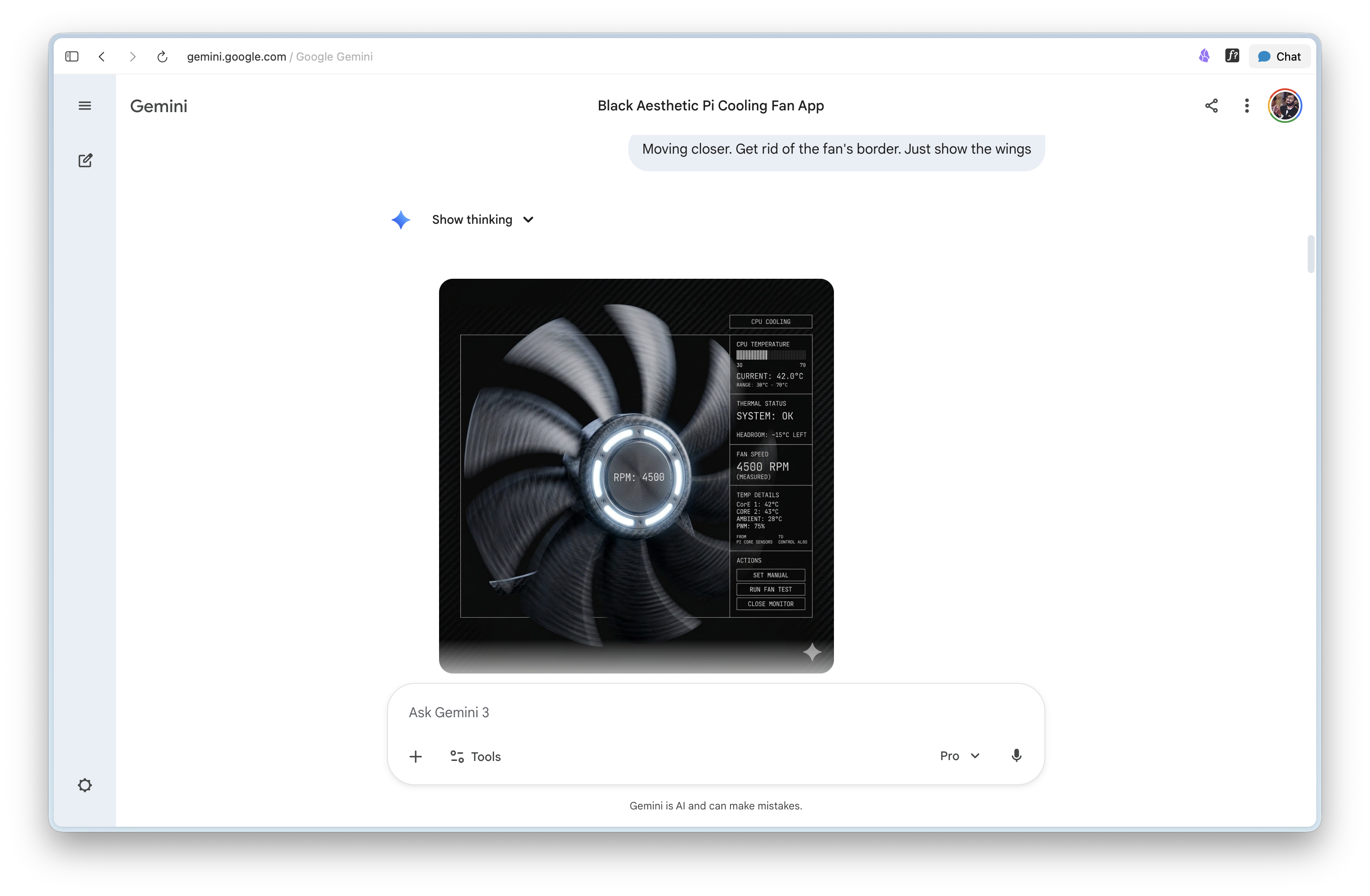
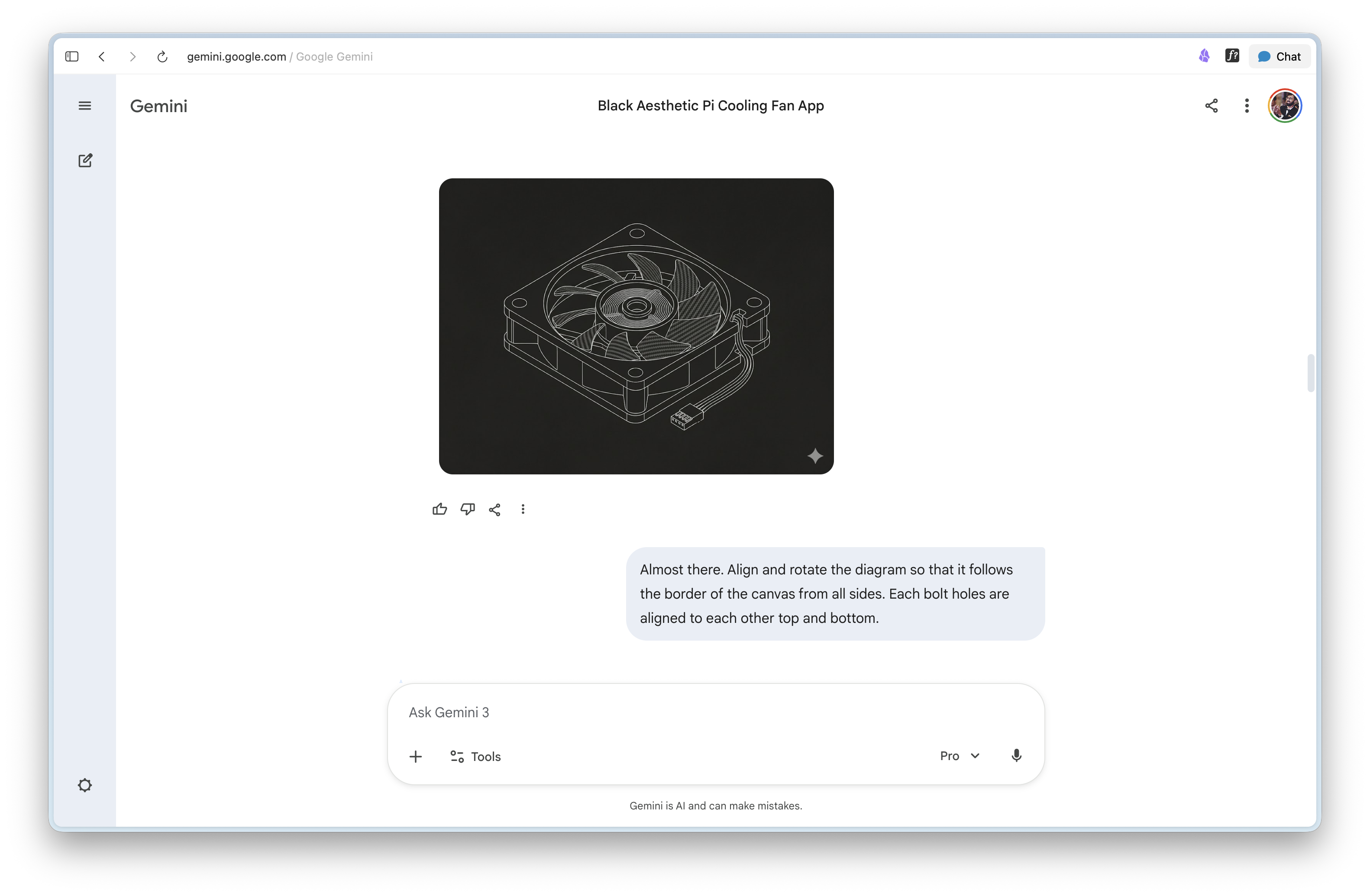
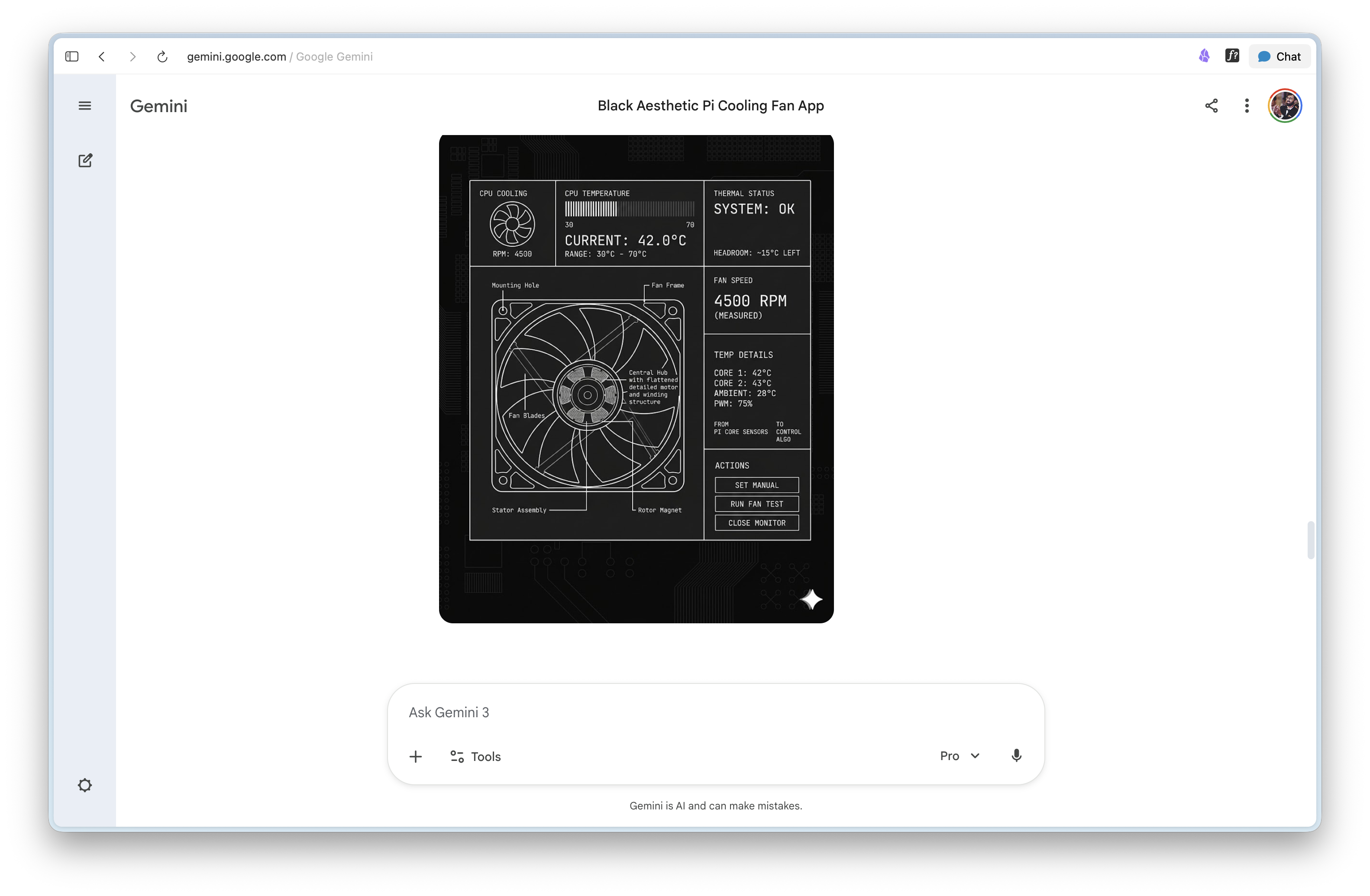
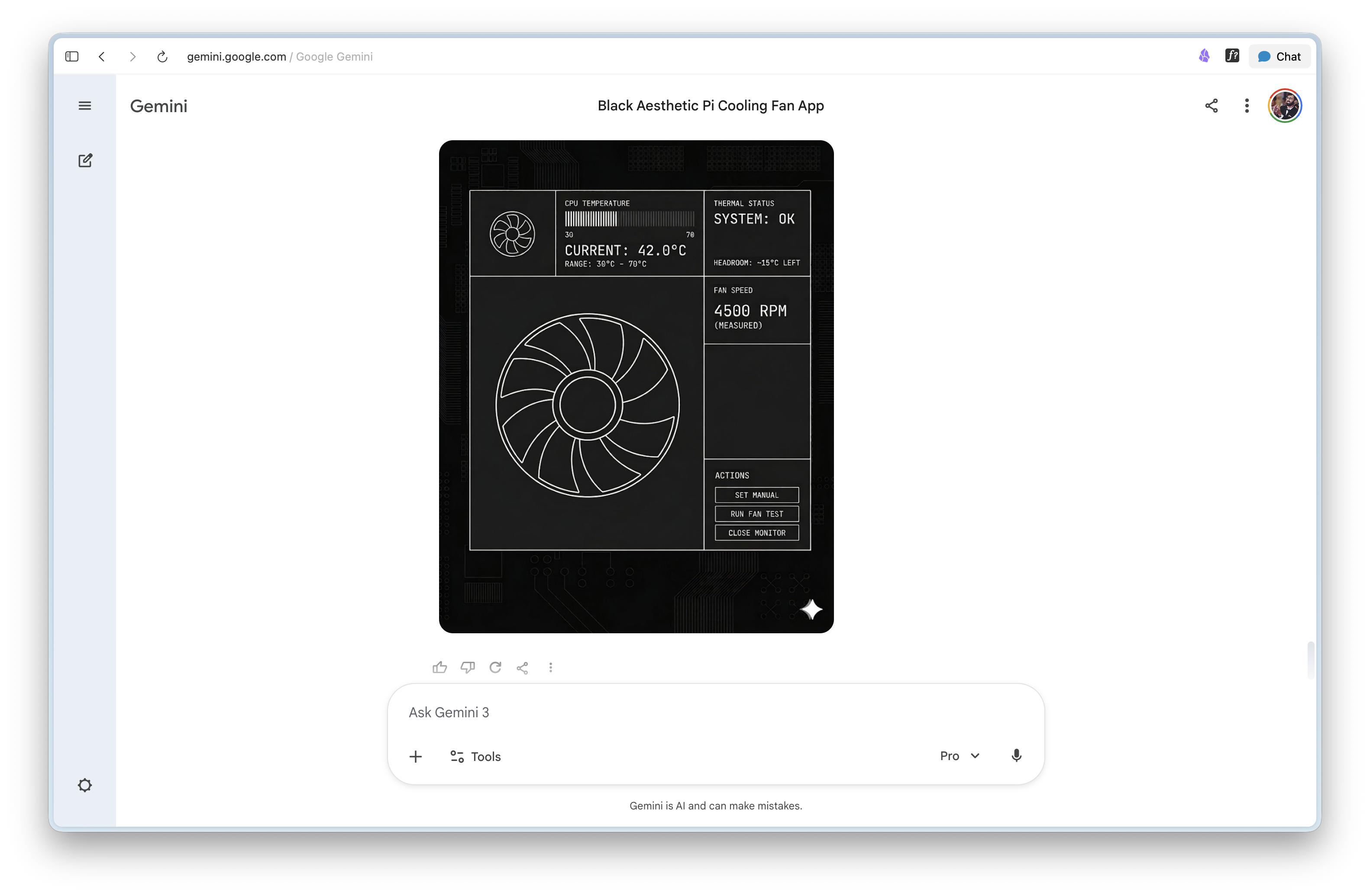 After encouraging Nano Banana with "almost there" lies, I gave up! Paper + CC took over from here!
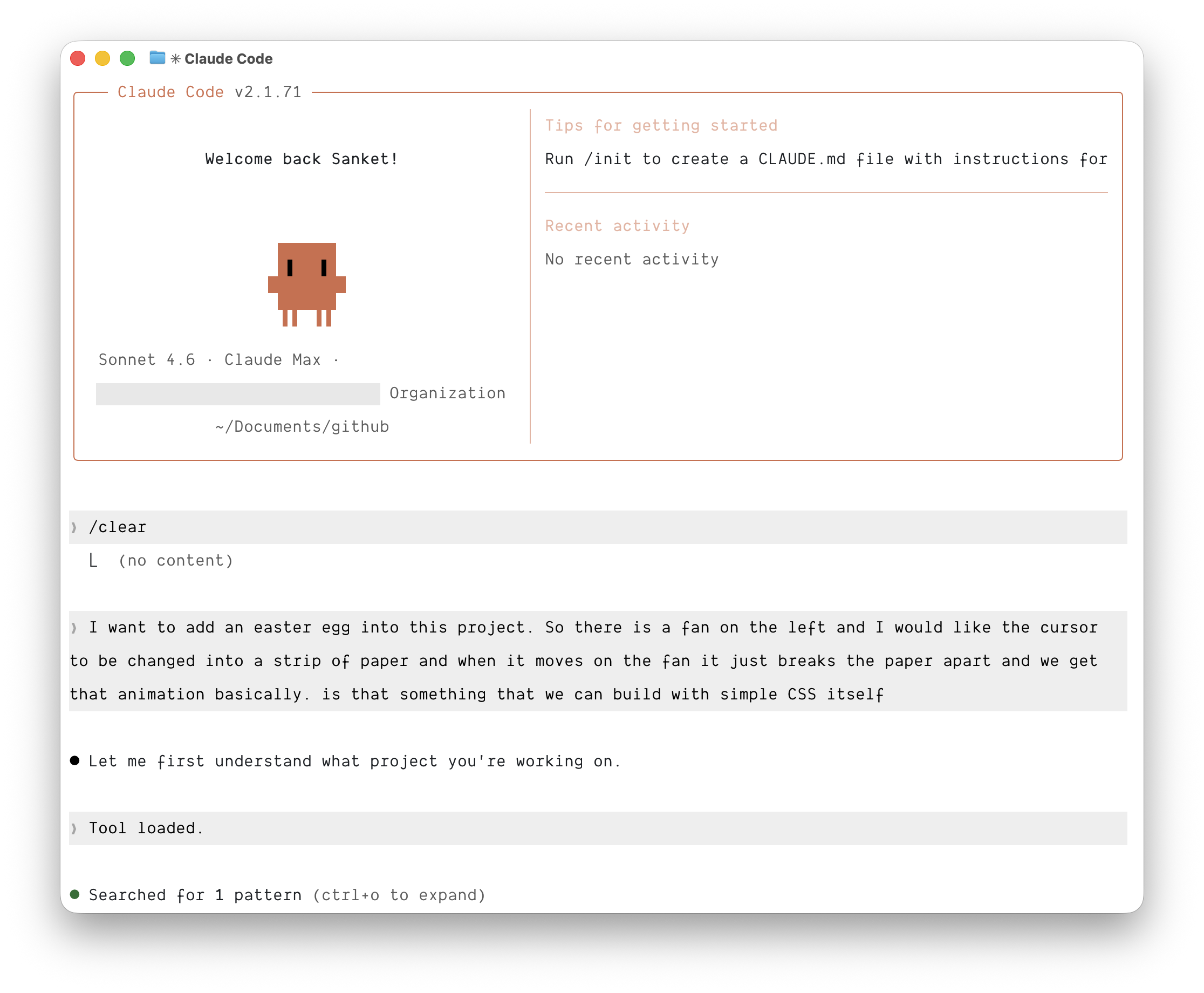
Thanks for reading! Oh and if you haven't tried Paper yet, please do!